
Full Page Capture & Markup
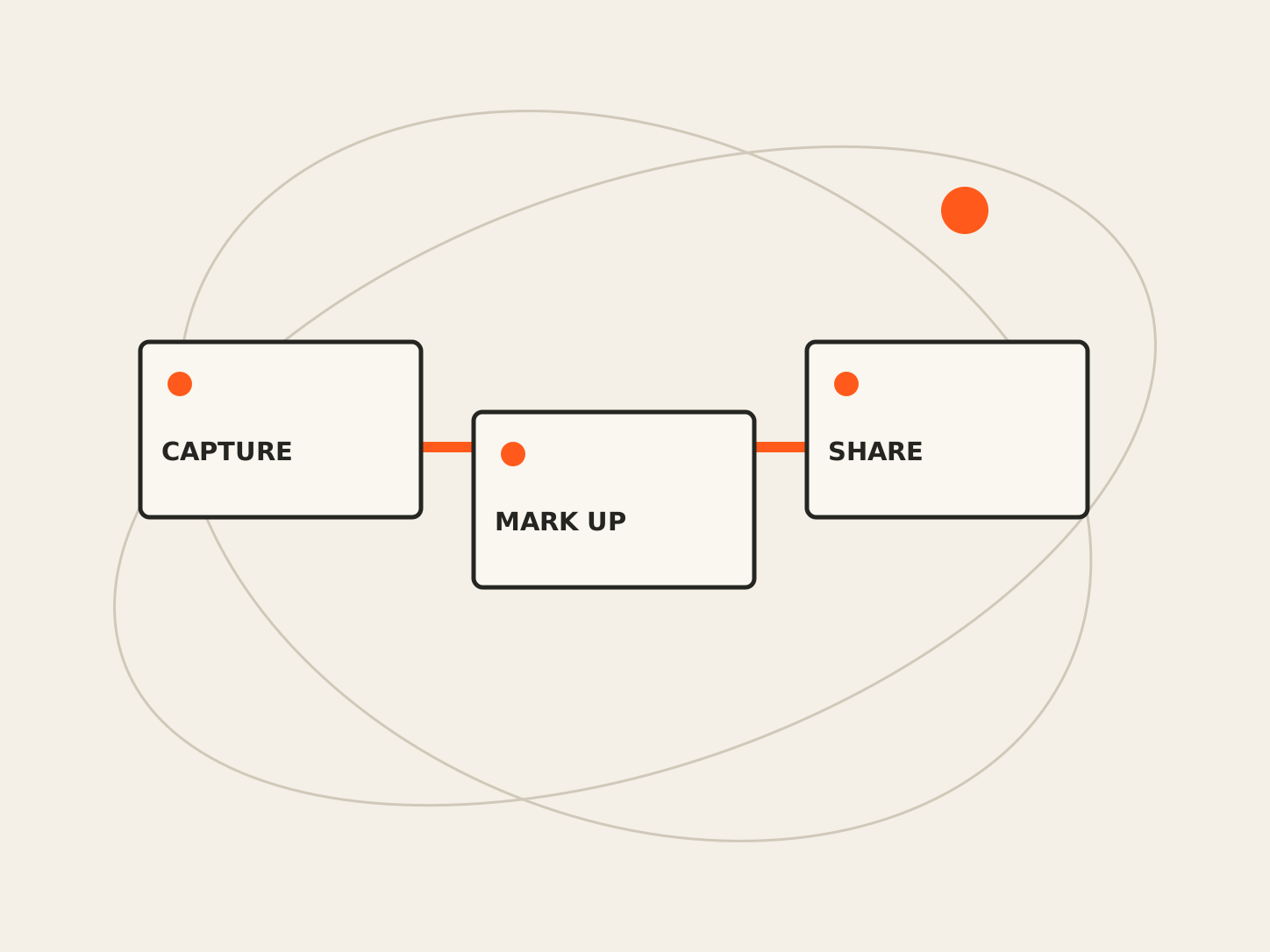
Capture a full web page or a selected region, then crop and annotate it in a dedicated editor. Full Page Capture & Markup helps you show a bug, explain a change, or share visual context without assembling multiple screenshots.
Available in the Chrome Web Store. Follow the store listing for installation and current release information.
Inside the product
What it does
- Full-page and selected-region capture
- Arrows, text, shapes, pen, and highlighter
- Crop, undo, and redo
- PNG and JPG export and clipboard copy
A good fit for
People who share visual feedback, document web workflows, or prepare clear support requests.
Before you get started
Compatibility
Available for Chrome through the Chrome Web Store as Full Page Capture & Markup. Check the store listing for current requirements.
Keep in mind
Browser-protected pages cannot be captured. Virtualized content and extremely large pages have capture limits. Review screenshots for private information before sharing.
Explore support